What is Helpin?
Helpin brings project delivery, customer support, CRM, documentation, automation, and AI-assisted execution into one workspace. Teams can keep related work connected instead of copying context between separate tools.
The modules
Module | What it is for |
|---|---|
Projects | Plan and deliver work with objectives, epics, tasks, sprints, teams, and workflows. |
Support | Manage customer conversations from the chat widget and email in shared and team inboxes. |
CRM | Track contacts, companies, deals, commercial activity, and customer signals. |
Docs | Create internal documentation, collaborative knowledge, and public help center content. |
Automation | Run agents and flows with configured tools, targets, triggers, and approval controls. |
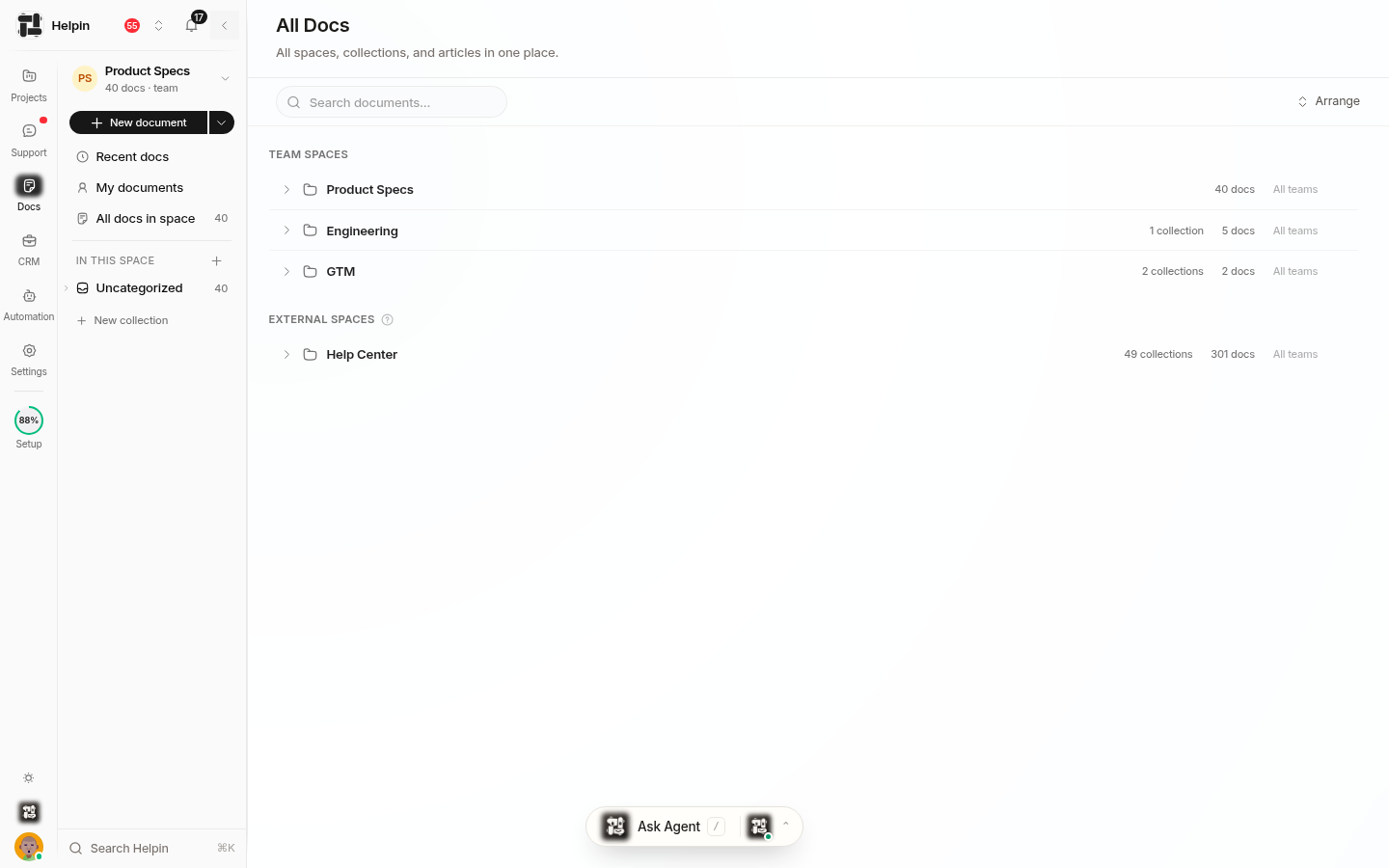
Projects and Docs are available to every workspace member. CRM, Support, and Automation require module access for members and viewers. Workspace owners and admins have every module.
Connected work
Helpin keeps related records connected:
Documents can link to tasks, epics, objectives, and CRM deals.
Support conversations can link to contacts and project tasks.
The Support AI assistant can use approved knowledge sources and identify coverage gaps.
Agents can gather context through tools, create work, and propose or apply changes according to their permissions and approval mode.
Notifications and search help people follow work across the workspace.
AI in Helpin
Helpin includes built-in AI experiences and supports reusable custom agents. An agent run is the durable execution record. The tools, target, instructions, approvals, and workspace permissions determine what a run can do.
Some AI actions can run directly. Others require approval before a change is applied. Availability also depends on the workspace plan, module access, configured providers, and remaining AI usage.
Deployment options
Helpin is available as a hosted service. The Community edition can also be self-hosted with the documented infrastructure and configuration. Product capabilities can differ by edition, plan, and configured integrations.
Next steps
Learn the vocabulary in Core concepts.
Follow Getting started.
Review Plans, billing & usage.
Was this article helpful?