Core concepts
These concepts appear throughout Helpin. Understanding how workspaces, teams, roles, modules, and records fit together makes the rest of the product easier to use.
Organization and workspace
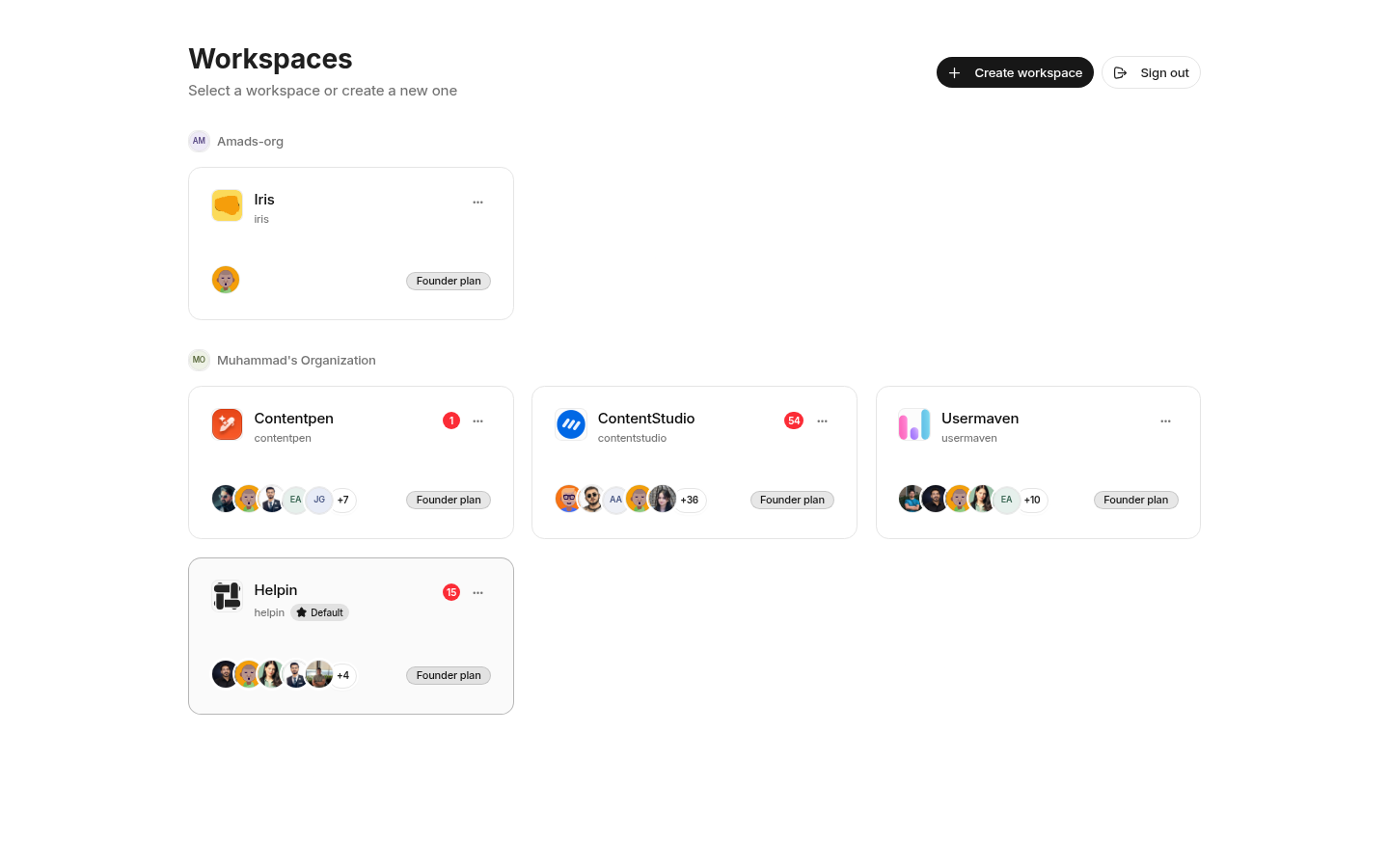
An organization groups workspaces and organization-level membership. A workspace is the operating boundary for product data, settings, teams, and modules.
Workspace settings include members, teams, module access, security, billing, integrations, and module-specific configuration. Records created in Projects, Support, CRM, Docs, and Automation belong to a workspace.
Teams
Teams group people who plan and deliver work together. A team can have its own members, managers, handle, workflows, labels, templates, and planning defaults.
Team membership affects visibility and responsibility. Project work is team-owned, team-only Docs spaces are limited to selected teams, and optional module access can be granted through a team.
A Team Manager is a team-level responsibility assigned to a workspace member. It is not a separate workspace role.
Workspace roles
Role | Typical scope |
|---|---|
Viewer | Read content they are allowed to access without editing it. |
Member | Create and update work allowed by their teams, modules, and feature permissions. |
Admin | Manage workspace settings, access, and operations across the workspace. |
Owner | Full workspace access, including owner-only controls. |
The standard invite flow offers Admin, Member, and Viewer. Ownership is managed separately.
Module access
Projects and Docs are available to every workspace member. CRM, Support, and Automation are optional modules for members and viewers. An admin can grant an optional module directly or through team membership. Owners and admins always have every module.
Module access controls whether a person can open a module. Their workspace role and feature permissions control what they can do inside it. See Module access control.
Work records
Common records include:
Objectives for measurable outcomes.
Epics for larger bodies of delivery work.
Tasks for individual units of work.
Sprints for time-bounded planning.
Conversations for customer support threads.
Contacts, companies, and deals for CRM relationships.
Spaces, collections, and documents for knowledge.
Agents, flows, and runs for automated execution.
Links between records preserve context. For example, a support conversation can link to a task, a document can link to a deal, and an agent run can target a task or document.
Permissions and approvals
Access is enforced by the server, not only hidden in the interface. Roles, team membership, module grants, and feature permissions all contribute to the final decision.
Some agent actions also require human approval. Approval does not replace normal permissions. It adds a review step before an authorized change is executed.
Next step
Continue to Getting started.
Was this article helpful?