Overview
Start here to understand Helpin, create a workspace, invite your team, and configure the controls that affect access, billing, security, and customer communication.
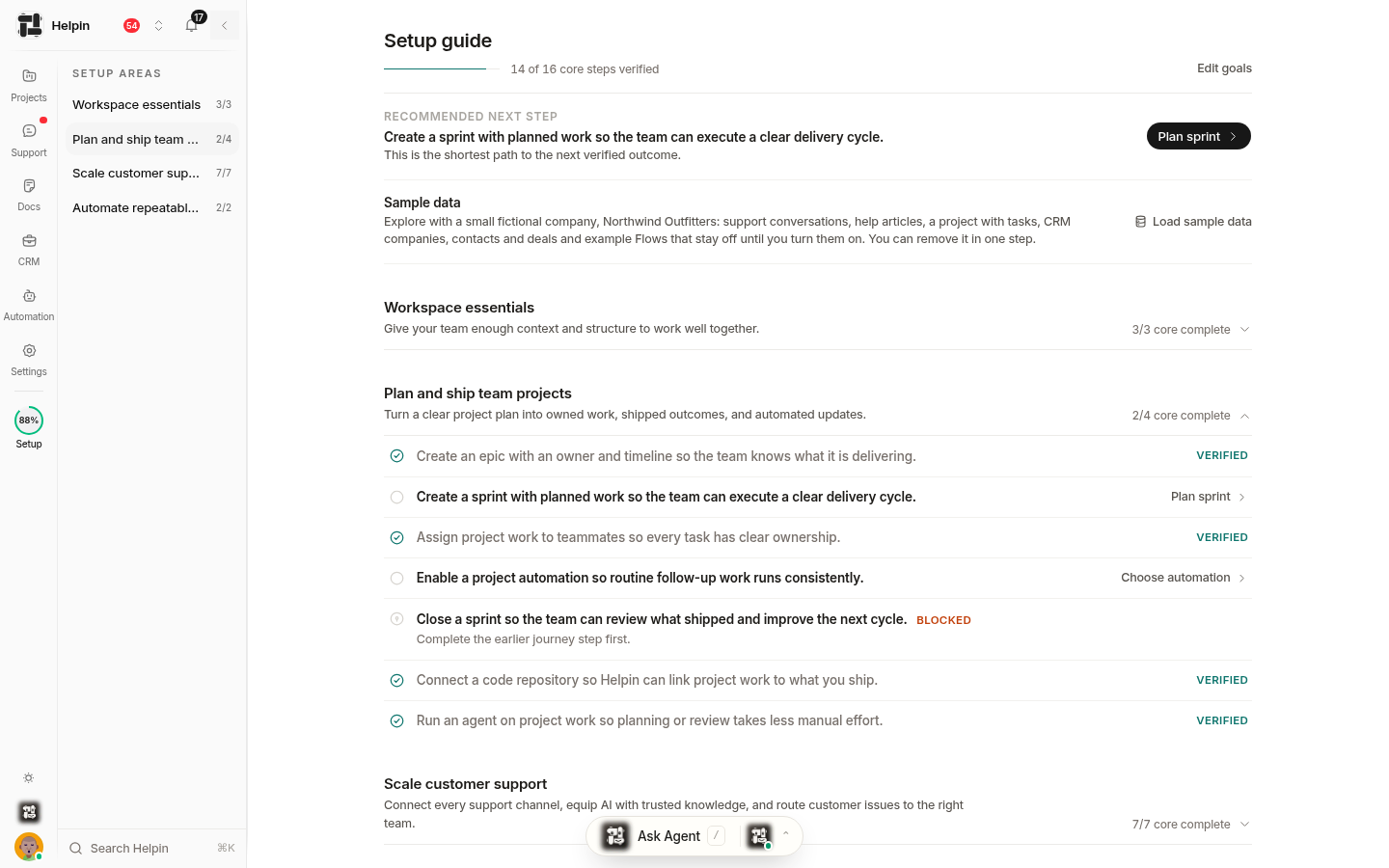
Choose where to begin
If you want to | Read |
|---|---|
Understand the product and its modules | |
Learn the terms used across the app | |
Follow a practical setup sequence | |
Configure a new workspace | |
Add people and assign access | |
Learn the main navigation | |
Review data and access controls | |
Configure support email delivery | |
Understand subscriptions and AI usage | |
Find product updates |
Recommended setup order
Create or select your workspace.
Create the teams that will own work.
Invite people with the lowest workspace role they need.
Grant optional module access to teams or individual members.
Configure the first module your team will use.
Review security, billing, and usage before a wider rollout.
Helpin changes quickly. The task-specific articles linked above are the source for current product behavior and should be preferred over old screenshots or copied setup notes.
Was this article helpful?