



Conversations
What they asked, what you answered, and what still needs attention.
Helpin gives AI agents the full customer context to resolve questions, take action, and follow through—across support, projects, CRM, meetings, and docs.
Open source · Self-host free, or let us run it
Move off separate support, project, and CRM tools, or connect the ones you keep.
 ContentStudio
 Replug
 Usermaven
 ContentPen
 Hyprcore
 Hyperengage
Keep conversations, meeting decisions, deals, and linked work together—so your team and agents can see what was asked, what was promised, and what happened next.
What they asked, what you answered, and what still needs attention.
The decisions and commitments behind the next step—not just a recording.
The priorities, owners, and progress behind the work a customer is waiting for.
The original request, proposed changes, and review status—linked to the work.
The conversations, concerns, and open work behind a sale or renewal.
The guidance you’ve shared and the questions your docs still need to answer.
Customer emails and meetings alongside the account—not in a separate history.
So the next answer builds on what happened before.
Ask Agent answers from your customer history, or coordinates specialist agents to investigate and plan the next step.
Bring the customer’s question, the meeting decision, and the linked task into one answer—so you can see the situation before deciding what to do.
What’s blocking Northstar Labs’ rollout, and what have we already tried?
Let specialist agents investigate different parts of a request, run independent steps in parallel, and bring their findings back together.
Review the blockers, propose the next steps, and draft an update for my review.
Give agents access to selected tools outside Helpin, so they can check the relevant details without leaving the conversation.
Check the linked issue in our connected tracker before drafting the update.
From the shared inbox to sprint planning and sales pipelines, give each team a place to work—and a shared view of the customer.
Handle chat and email in one inbox. Let agents use past conversations and product knowledge to answer, investigate, or hand off—with the findings and customer request attached.
Explore customer supportCapture calls, review summaries, and turn decisions into tasks and follow-ups. Keep the transcript linked so the next step stays grounded in what was actually agreed.
Explore meetingsManage epics, tasks, dependencies, and objectives in one place. Let agents help break down the work while your team sets priorities, assigns owners, and keeps relevant customer requests attached.
Explore projectsManage contacts, companies, and pipelines alongside their conversations and open work. Understand renewal concerns, spot buying signals, and prepare the next step with the supporting history in view.
Explore CRMPublish help articles and internal docs. Use agents to draft guidance from recurring questions and prepare updates as your product changes—ready for your team to review.
Explore knowledgeChoose each agent’s tools, decide when it needs approval, and set what starts a run. Delegate the task without giving up control of the process.
Built-in and custom agents for manual runs and automated flows.
Select the workspace tools and connected services it can use. Keep access scoped to the job.
Set the approval mode for each agent. Review actions that require permission before the agent proceeds.
Run agents from supported events or a schedule, using the tools and approval settings you’ve chosen.
Self-host the complete product for free, with every module and no plan limits. Or let Helpin Cloud run it, with AI included.
AGPL-3.0 · Community 0.2 beta
Install Helpin on your infrastructure using the documented self-hosting setup.
Manage your customer records, files, and backup process on the infrastructure you run.
Connect supported providers and select the models your agents use.
Embed support in your product, connect customer data, and let Helpin work with your existing AI tools and services.
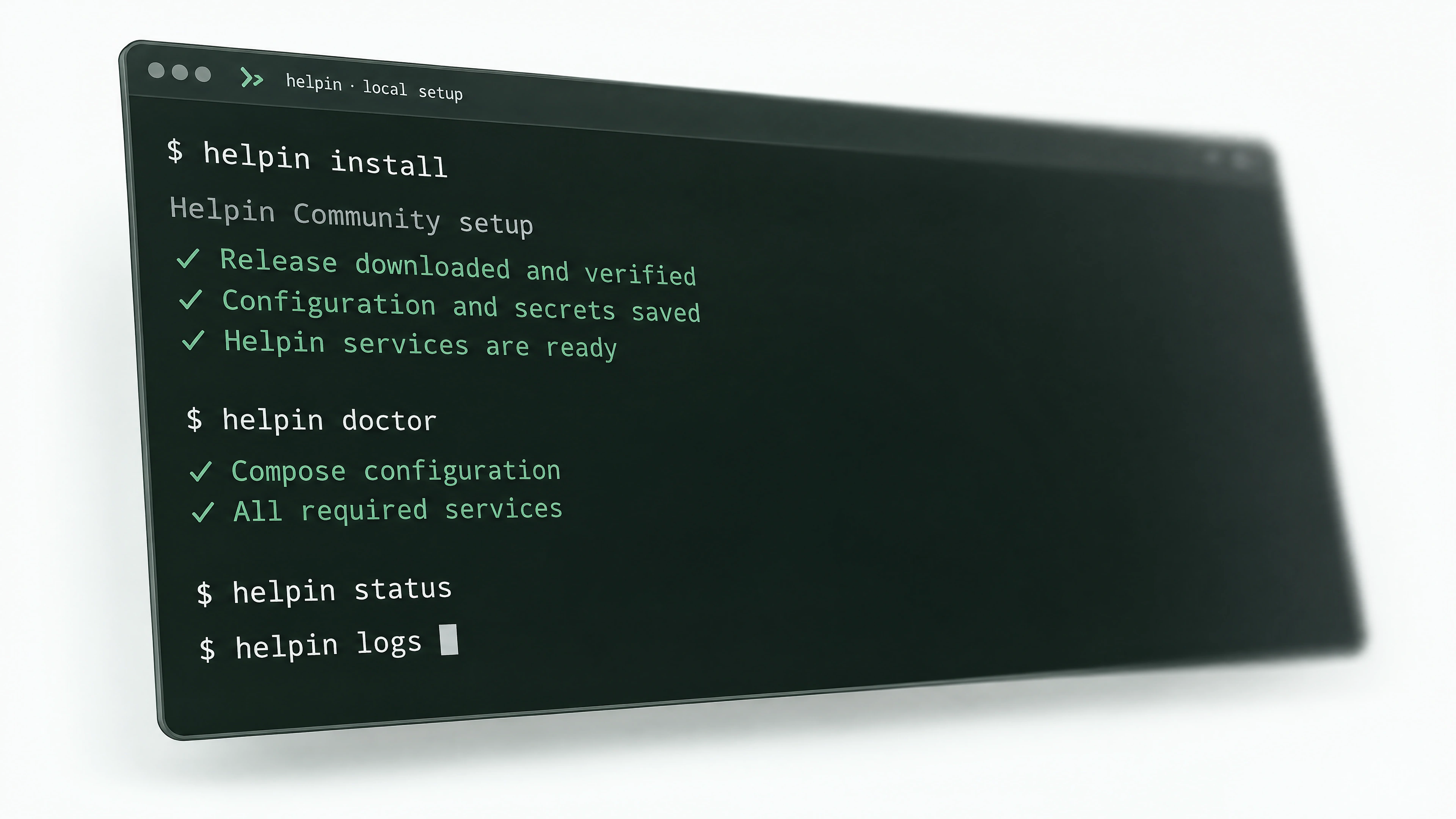
Install Helpin, check your services, and inspect logs with the Helpin CLI.
Explore the Helpin CLI →Bring customer data into Helpin and add support chat to your app.
Developer docs →Explore the SDK →Give Helpin agents selected tools from external systems. Use public MCP to make permitted Helpin context available to connected AI clients.
Public MCP is in controlled beta.
Connect AI tools →Connect external tools →Connect supported product and engineering events to agent workflows. Set the rules that determine when a run begins.
Explore automation →No card required. Every module, unlimited teammates, and AI usage included.